Choose a streamlined builder for fast everyday requests or switch to advanced controls when the work needs more context, structure, tone, audience details, constraints, and output guidance. GutenPrompt helps you shape each instruction step by step, without requiring you to memorize prompting formulas or start from an intimidating blank page.
Beta
GutenPrompt 2.0 by innovaHub.ca
Build better prompts without the guesswork.
A practical prompt-building workspace for people who know AI can help but are not always sure how to ask. Create, improve, save and reuse instructions across the AI tools you already use.

What it helps you do
Useful from the first step.
The Prompt Quality Gauge reviews the information you have supplied and highlights where your request may still be vague, incomplete, or difficult for an AI tool to follow. It offers practical signals before you submit, helping you strengthen important details and improve the likelihood of receiving a focused, useful response.
Start with practical prompt examples organized around common tasks, then adapt them to fit your own goal, audience, and preferred AI tool. The library saves time, demonstrates effective prompt structure, and gives you a reliable foundation whenever you are unsure how to begin or want inspiration for a stronger request.
Capture notes, store ideas worth revisiting, and keep frequently used preferences available for future prompts. Reusable content reduces repetitive typing and helps you work more consistently across projects. Settings let you tailor the workspace to your habits, so GutenPrompt feels familiar each time you return to build or improve instructions.
GutenPrompt is designed for everyday AI users, writers, content creators, business owners and anyone who wants better results without becoming a prompt-engineering expert.
GutenPrompt runs in a modern web browser such as Chrome, Safari or Edge. Enter what you want to accomplish and any relevant details, and GutenPrompt guides you through organizing that information into a structured prompt you can copy into your preferred AI platform.
You need a computer or mobile device, a modern web browser and access to an AI platform such as ChatGPT, Claude or Gemini. A free or paid AI account will work. GutenPrompt does not replace the AI service—it helps you use it more effectively.
Yes. GutenPrompt includes a Library where you can save, organize, search, edit and reuse prompts for recurring tasks. You can also import prompts and share them with friends and coworkers.
Notes gives you a place to save ideas, instructions and details that may help with future prompts—such as required dimensions, preferred wording or a colour code. It keeps the small but important details within easy reach.
GutenPrompt stores its working data locally on your device. Your information is not shared with an AI platform unless you choose to provide it. Anything you copy into an external AI service is then subject to that service’s privacy practices.
You can subscribe annually for the equivalent of less than $2 per month or purchase a one-time lifetime licence.
Latest Articles & Insights
Worth knowing. Easy to find again.
RVing
13 articles
RVing · 3 min
10 Most Common RV Newbie Fears
Ten common worries new RVers face—and why preparation, practice and reliable information make each one easier to manage.
Read article →
RVing · 4 min
10 Things Every New RV Owner Should Know
Ten practical lessons about weight, tires, water, batteries, electrical limits, holding tanks, maintenance, dimensions, checklists and learning your RV.
Read article →
RVing · 3 min
9 Rules for a Happy RV Retirement
Nine practical principles for an affordable, healthy and rewarding RV retirement—with room for maintenance, relationships and a realistic exit plan.
Read article →Practical AI
16 articles
Practical AI · 4 min
AI Made Practical for Retirees
A practical introduction to using generative AI in retirement, with everyday examples, better prompting techniques, privacy safeguards, and clear reminders to verify important information…
Read article →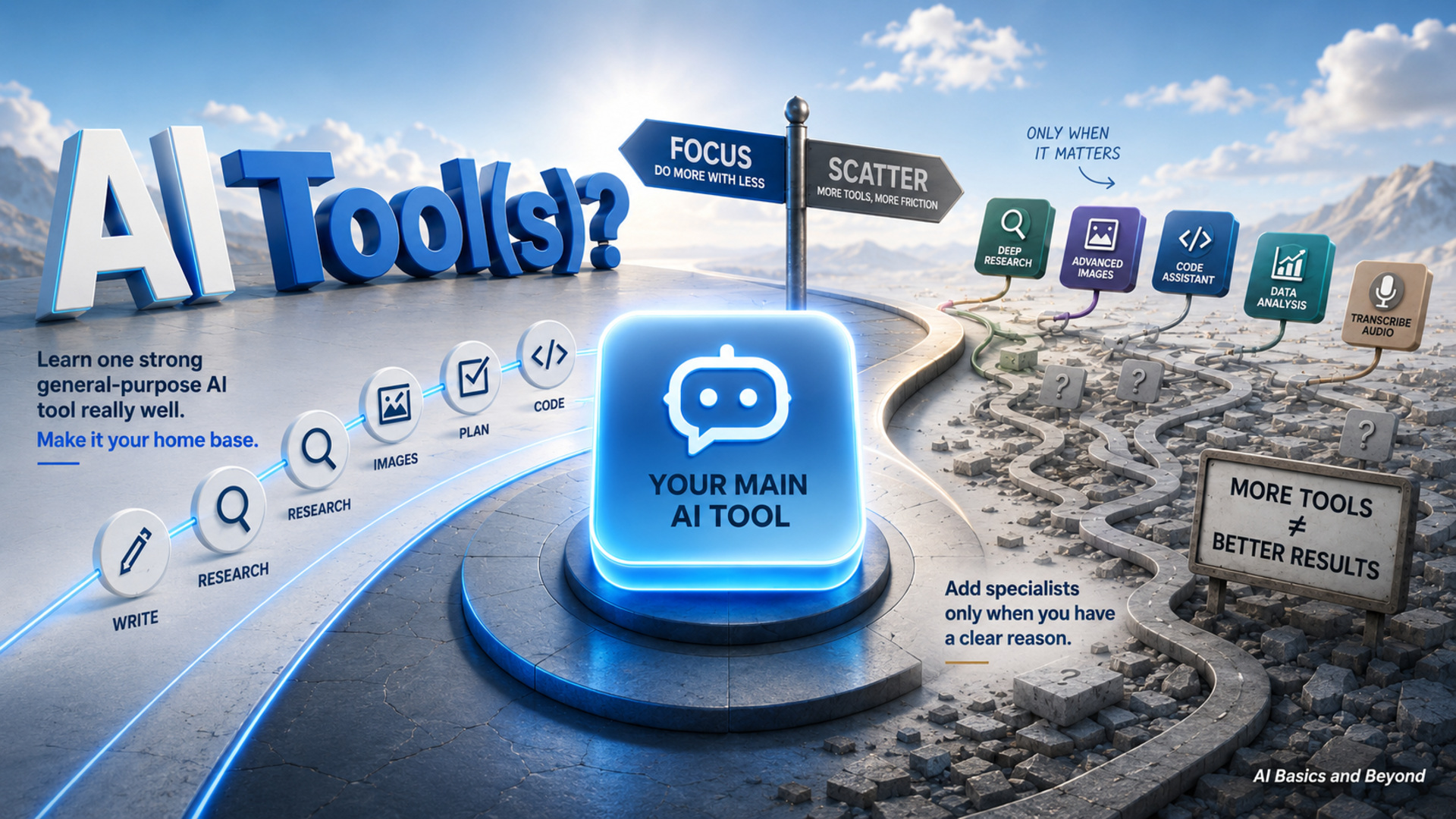
Practical AI · 4 min
AI: One Tool or Several?
Most people benefit more from mastering one capable AI platform than juggling several. Add specialized tools only when they solve a clear problem, save…
Read article →
Practical AI · 2 min
Apps to Solve Problems
A recurring problem in Facebook groups inspired a simple answer database, then evolved into AI-assisted tools that help manage community responses while preserving accuracy…
Read article →Travel
6 articles
Travel · 4 min
Best Times to Visit the Northwest Territories
When to visit the Northwest Territories for accessible summer touring, northern lights, winter scenery and seasonal events.
Read article →
Travel · 4 min
Best Times to Visit the Yukon
Compare Yukon seasons for summer touring, fall colours, northern lights and winter adventures, including the trade-offs of travelling at each time.
Read article →
Travel · 6 min
Is Driving in the Yukon Difficult or Risky?
What Yukon drivers should expect from changing roads, wildlife, long distances, limited services and unpredictable weather.
Read article →CLL/SLL
13 articles
CLL/SLL · 4 min
Annual Skin Checks Matter for People With CLL/SLL
Why annual skin checks and prompt assessment of new or changing spots matter for people living with CLL/SLL.
Read article →
CLL/SLL · 3 min
Caregiving for Someone With CLL/SLL
Practical guidance for CLL/SLL caregivers on daily support, medications, infection risks, emotional care, burnout prevention, and asking for help.
Read article →
CLL/SLL · 4 min
Don’t Trust AI Too Quickly
How to question polished AI answers, assess sources, check dates, recognize overconfidence, and verify important health information before acting.
Read article →